Welcome to the Developer Update for June 11, 2026.

Today’s featured world is the VRChat Official Pride Hub by VRChat.
Announcements
Get Some (Virtual) Sun
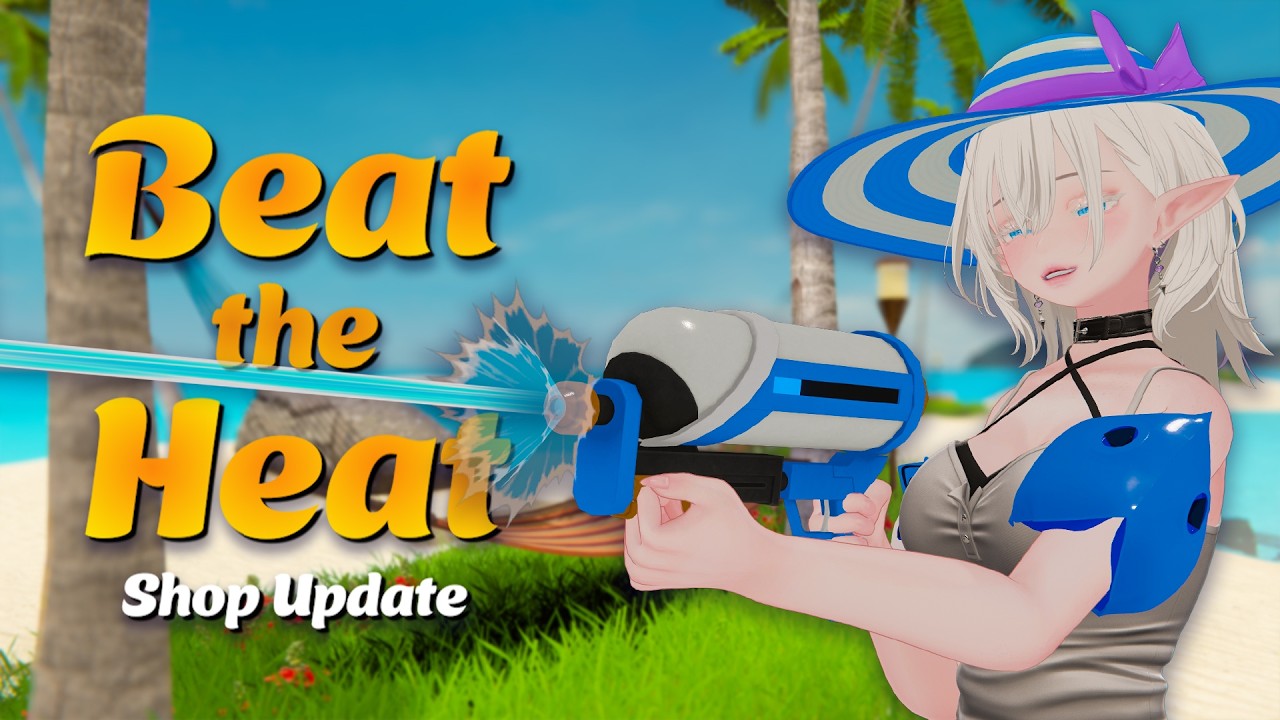
Last week we announced June’s Content Update – it’s the Beat the Heat Update!
Drench your friends with the HURRICANE MEGABLASTER XTREME 1000! Get your Inflatable Swimmies on! And, most of all, get in the POOL!
VRChat 2026.2.3 is Now in Open Beta!
This one is mostly a maintenance update – that means a lot of quality-of-life stuff, fixes, and that sort of thing. For example:
- Many fixes for the VR Steady Cam!
- Reporting QoL Changes!
- Quick Menu and Main Menu Positioning Fixes!
- Avatar Performance Gating Improvements!
- …and more!
You can read all of the changes here.
Additionally, there are two top-line callouts you should know about!
Third-Person Mode on Desktop is Now Free… for Everyone!
We rolled this out as a VRC+ Early Access feature a few months ago. We said at the time that we’d be moving it out to everyone at the end of June… and we are! A little ahead of schedule, actually.
As a reminder: F5 activates the feature, TAB allows free rotation, and scrollwheel controls view distance. There are more options in the Graphics Settings page in the Main Menu.
As an aside, the 3p-beta branch will be closed, thank you to everyone who helped us test there! You can now use the regular open-beta version.
New Customizable UI Background Option: Gradient
Ever wanted to give your menu a cool new look? Well, you’ve been able to do that for a bit. But now? You can take it one step further: ONE MORE COLOR… which then becomes a gradient. It’s a gradient. You can now pick a color gradient for your menu backgrounds. And because I know you’ll ask, yes, this is for everyone – it’s not a VRC+ feature.
You can see a preview of this here:
Space Jam 3 - Film Honorable Mentions Badge
After talking with the NSS, we decided to grant Space Jam 3 badges to the film honorable mentions to match the world honorable mentions.
If you did not receive your badge but were featured by VRChat, please make a post in #vrchat-jams on the official Discord!
No New Jams until Spookality!
Normally we do a Summer Festival / Music Festival Avatar and/or World Jam in the summer.
Based on feedback we’ve gotten from avatar creators and after reassessing our team’s goals, we’ve decided not to do a World and Avatar Jam until Spookality.
However, there will be more events to attend this year! Please keep an eye on our socials next week… 
Hype Train Updates!
Based on community feedback, we’ve adjusted the Hype Train.
Specifically, we’ve changed the timeout from 5 minutes to 10 minutes. We think this should also help with some platforms taking longer than others when it comes to completing a purchase.
Animator Performance Improvements
In 2026.2.2p1, we shipped a change that improves animator performance a bit. It’s quite a neat fix, but also not a silver bullet – let’s talk about it!
The initial impetus for this actually came from the community. This Canny post by SBoys3 provides a super detailed profile capture that shows even empty animator layers causing a noticeable performance drop. It was left unaddressed for a while, because our internal traces all went deep into the Unity engine. That’s not a place we can really fix things.
Well, unless we work with engineers from Unity directly, that is. Resurrecting the task internally and bringing it up with a team of engine-code specialists, it quickly became clear that this was definitely not intentional behavior. CPU work was being performed when it shouldn’t have to be.
On the surface, it seems obvious that an empty animator layer shouldn’t be doing any work, but it goes a bit deeper: The real issue is the “IK Pass” checkbox:

If enabled, even an empty layer needs some calculation. However, we don’t really need to worry about this, because:
- 99% of VRChat avatars have this checkbox disabled on all layers
- We have a custom IK system, so even if checked it doesn’t do much
However, further profiling revealed that even with the “IK Pass” checkbox disabled, significant overhead came from having many such layers. But looking at the engine side, the “IKAndTwistBoneJob” that the Canny also mentions as the culprit already has an early out, meaning it aborts right away in basically a single CPU instruction. So what gives, why is it slow?
The answer lies in threading. Despite many claims to the contrary, VRChat is heavily multi-threaded and utilizes CPU cores as best as it can. By default, Unity starts 2 jobs for every animator layer – the one running the animation graph itself, and the “IKAndTwistBoneJob”. Note that a “job” does not equal a “thread” here, but simply a unit of work that a long-running job worker can pick up from a pool.
This means the issue is not one of too much work being performed, but rather that the overhead from scheduling all this “nothing-work” causes stalls and delays on the job threads. Which could otherwise be working on computing actually important stuff – like the animation graph, or even PhysBones.
After some deliberation and very careful testing, we implemented a change directly to the Unity engine that prevents the “IKAndTwistBoneJob” from being scheduled on layers that have “IK Pass” disabled in the first place. This works for non-empty layers too for what it’s worth, that is just the most extreme case.
This cleanly solves the problem in our case, but do note that it wouldn’t necessarily generalize to the base engine. As such, this will live as a dedicated fix specifically for VRChat. This also means you will still see those slower profiler results in your SDK projects, but rest assured that in the client the optimization is applied.
So what does that give you, the user, at the end of the day? Well, it depends. Because the issue was in scheduling and synchronization, and not actual busy-work, you will see vastly different results based on your CPU and core affinity settings. Our closed beta testing has shown improvements of up to 10 FPS in some rare cases around busy instances – which is a lot! – but also a difference of exactly 0 in a lot of other, more general cases. What we haven’t seen is a regression, so we decided to go ahead and deploy this publicly now.
Let us know if you are seeing a noticeable performance difference since 2026.2.2p1! Or perhaps you have some more neat ideas on how we can improve performance incrementally with little things like this - go put them on canny!
Closing
That’s it for this week. We’ll see you again… on June 25!

