When you launch VRChat in SteamVR via Steam Link, and go into a world, the screen gets stuck on: “waiting…”. You can hear the game audio in the background, but the game becomes completely unresponsive.
However, it seems to work in completely plain worlds, like the performance ones where its just an empty cube?
But, when you open it in “desktop mode” outside of VR, it works perfectly fine in all worlds? Very odd.
System Information:
- Steam client version (build number or date):
- SteamVR version: 1762805486
- Distribution (e.g. Ubuntu): Bazzite 42
- Steam runtime diagnostics: https://pastebin.com/xDr0L0p6
- Steam and SteamVR logs: 2.77 MB file on MEGA
- Minidumps: 133.3 KB file on MEGA
I’m using a NVIDIA RTX 3060 Ti with the latest drivers that Bazzite uses.
I’ve also tried different versions of Proton:
- Experimental
- Glorious Egg Roll
- Glorious Egg Roll Proton 10-20-RTSP19
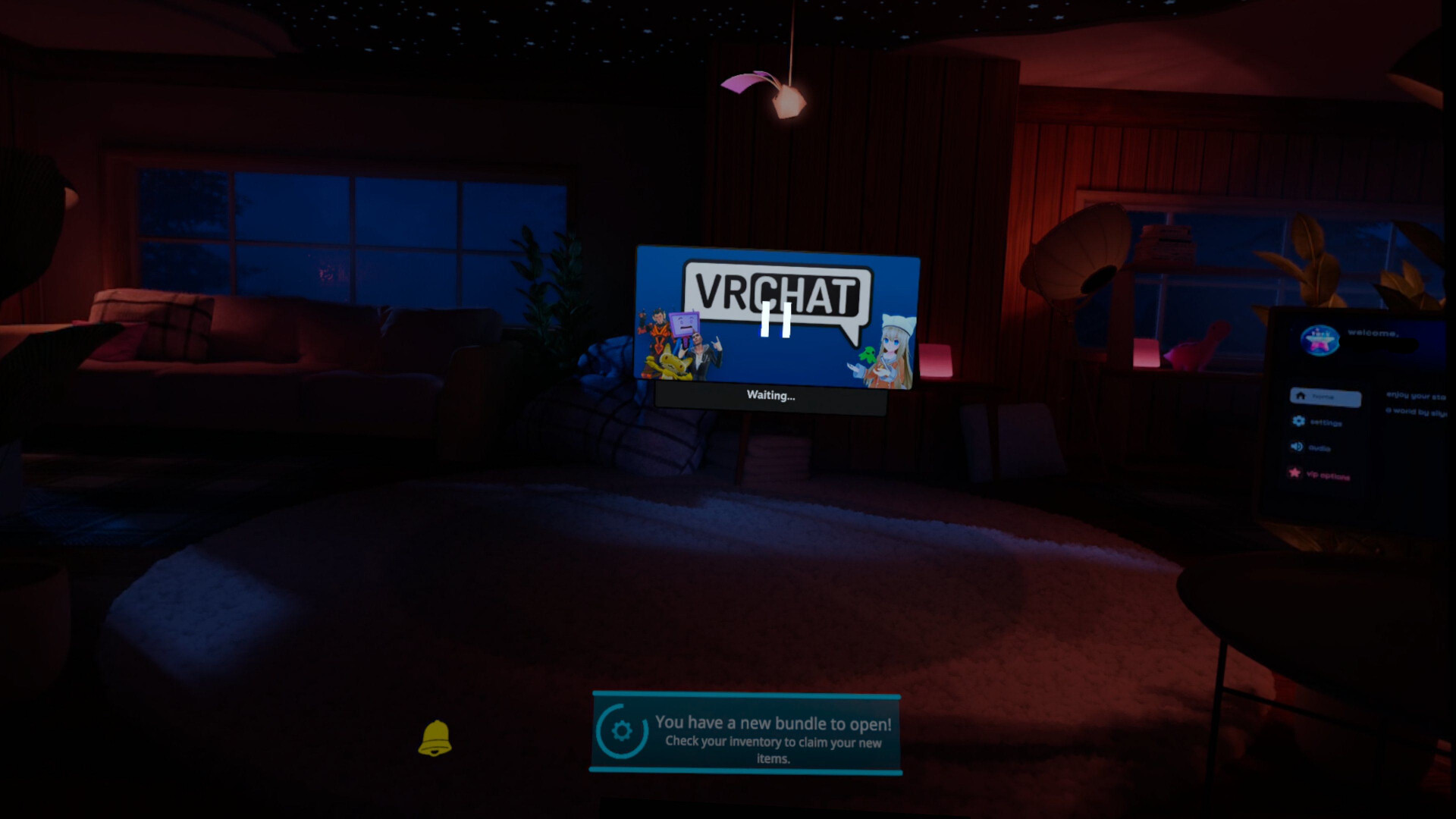
Is what it looks like

